Pay with PayPal
Use our secure PayPal payment link or scan the QR code with your phone.
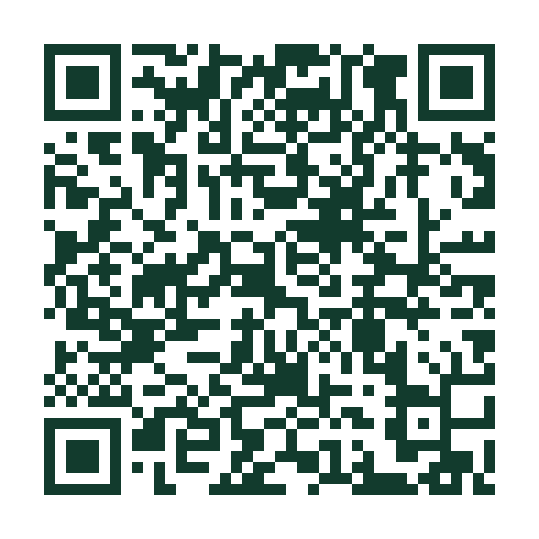 Open PayPal checkout ↗
PayPal sets the permitted payment amount. Confirm the amount and business before paying.
Whether you're making a repair deposit or paying the balance on a completed job, we want the process to feel clear and comfortable. Choose your approved payment method or use the link sent with your invoice.
Our Pillar customer portal entry page explains how to access estimates, job information and secure invoice payments when provided by Pillar.
Only follow a link that belongs to your account or the invoice sent directly to you.
When you have a repair-specific payment link in your estimate or invoice, use that first. Other buttons become active once your verified MRR business links are configured.
Use our secure PayPal payment link or scan the QR code with your phone.
Open PayPal checkout ↗
PayPal sets the permitted payment amount. Confirm the amount and business before paying.
Scan the business QR code supplied by MRR using the Venmo app.
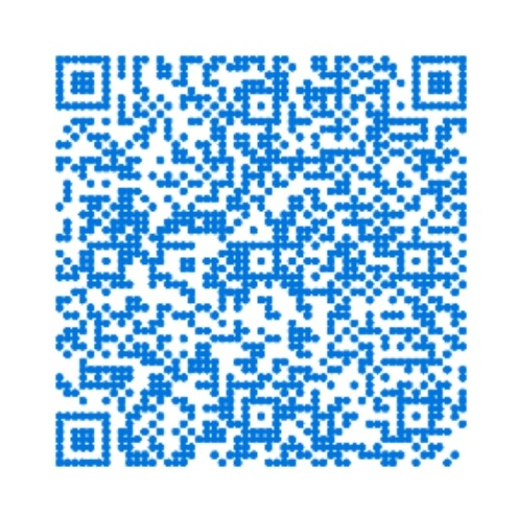 Open Venmo link ↗
The link may open Venmo's homepage on desktop. Test the QR in the Venmo app, and confirm the recipient before sending money.
Use the payment link provided by Michigan RV Repair, or scan the QR code to open the Bluevine payment page.
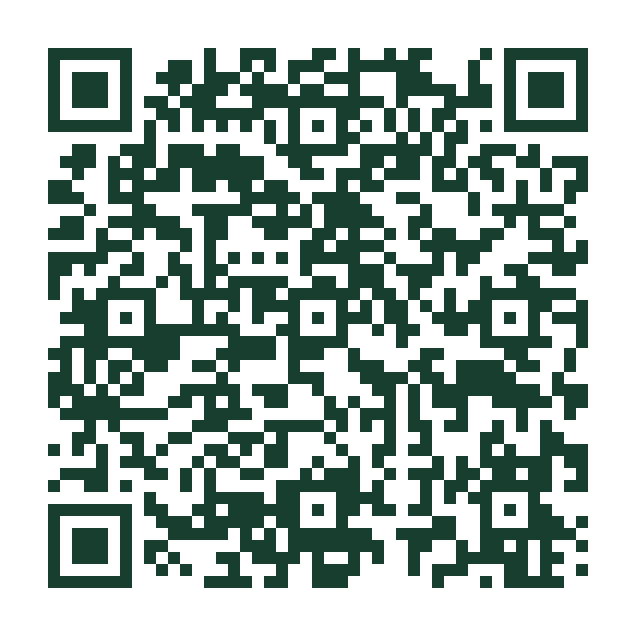 Open Bluevine payment ↗
Verify before use: This payment URL currently displays “This page is currently unavailable” in an external check. Confirm it opens your MRR payment request before publishing.
Scan the MRR Cash App QR code or open the business payment page. Confirm the recipient $michiganrvrepair before sending.
 Open Cash App payment ↗
Enter the amount due from your invoice. Add your invoice number in the payment note if available. Verify the recipient before paying.
$150.00
Pay the $150 initial inspection and diagnosis charge through the secure QuickBooks checkout.
 Pay $150 with QuickBooks ↗
For inspection payments only. To pay a different balance, use the payment link on your individual QuickBooks invoice or request one from MRR.
Use the exact total on your estimate or invoice. Include your invoice number if the payment service offers a note field. For an invoice-specific payment request, contact service@michigan-rv-repair.com.
Card payment
Your card payment is processed on Stripe’s hosted checkout, not on our website.
Request payment link ↗Secure links are supplied for your repair or invoice.
Pay through the official Michigan RV Repair PayPal checkout. Eligible customers may see Venmo as an option.
Prefer PayPal? Open the verified MRR business payment link.
The PayPal payment button loads securely from PayPal. Check the payment description and amount before paying.
Venmo may appear within the PayPal checkout for eligible customers. Otherwise request an approved payment option.
Use the approved Venmo Business destination or eligible PayPal checkout.
Request payment link ↗Secure links are supplied for your repair or invoice.
Mobile payment
Pay Michigan RV Repair through Cash App using $michiganrvrepair or the QR code above.
Open Cash App payment ↗Cash App payment destination supplied by MRR: $michiganrvrepair. Confirm recipient and amount before paying.
Open the Bluevine payment request supplied by MRR. Confirm the recipient and amount before making payment.
Ask for an invoice-specific secure bank payment link when available.
Open Bluevine payment ↗Bluevine payment link supplied by MRR; availability is not yet confirmed.
Invoice payments
Pay your initial RV inspection and diagnosis fee with QuickBooks. For repair balances, use your invoice-specific Pay Now link.
Pay $150 inspection with QuickBooks ↗This checkout is for the $150 initial inspection and diagnosis only; other invoices have their own payment links.
For jobs requiring a deposit, we confirm the amount in your estimate or service agreement and send an invoice-specific payment link. Don't pay an estimated amount through an unrelated general link.
Only on the secure website of the payment provider linked in your invoice. This MRR page never collects card or banking credentials.
Contact MRR and we can help you locate or resend your invoice or approved payment link.
Contact us before paying so we can confirm the method and match your payment to the right work order.